










StarTech.com USB Crash Cart Adapter with File Transfer & Video Capture – TAA
$1,033.44 inc. gst
- LAPTOP TO SERVER: USB crash cart adapter connects your laptop to a headless system, turning your laptop into a portable console for rack servers in your server room, PCs, ATMs, kiosks, etc
- EFFICIENT TROUBLESHOOTING: Easily transfer files, capture screenshots, and log activity using the crash cart adapter software; For optimal performance, install the latest drivers making sure to download the drivers specifically for the NOTECONS02
- SELF-POWERED: The KVM adapter is powered by the server-side USB connection, reducing strain on the laptop's battery and eliminating the need for an AC outlet, allowing you to connect to any PC or device with a VGA output port and USB connection
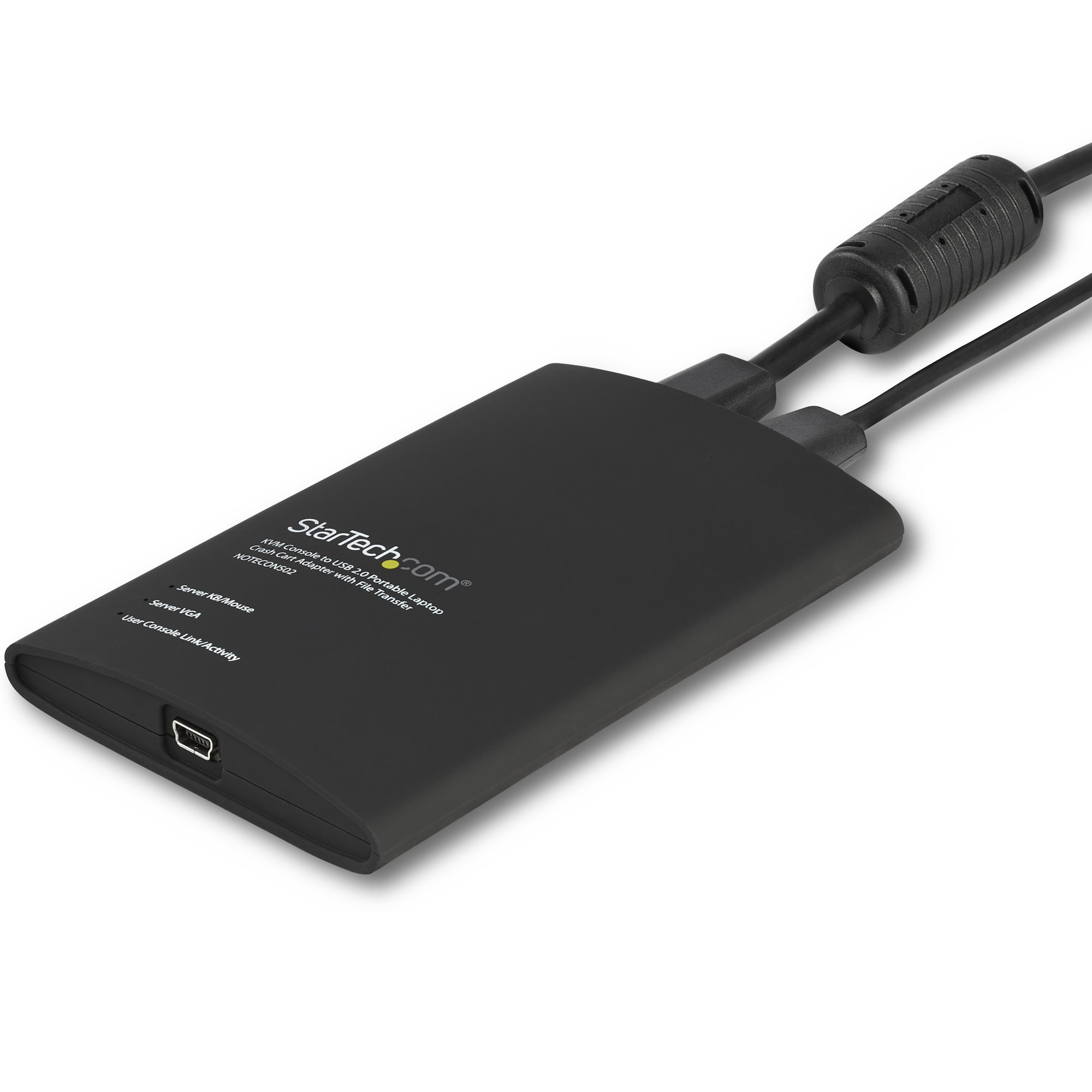
- COMPACT DESIGN: This TAA Compliant pocket-sized data center crash cart adapter requires no additional accessories, eliminating the need to carry around a traditional crash cart/trolley when troubleshooting and servicing your systems
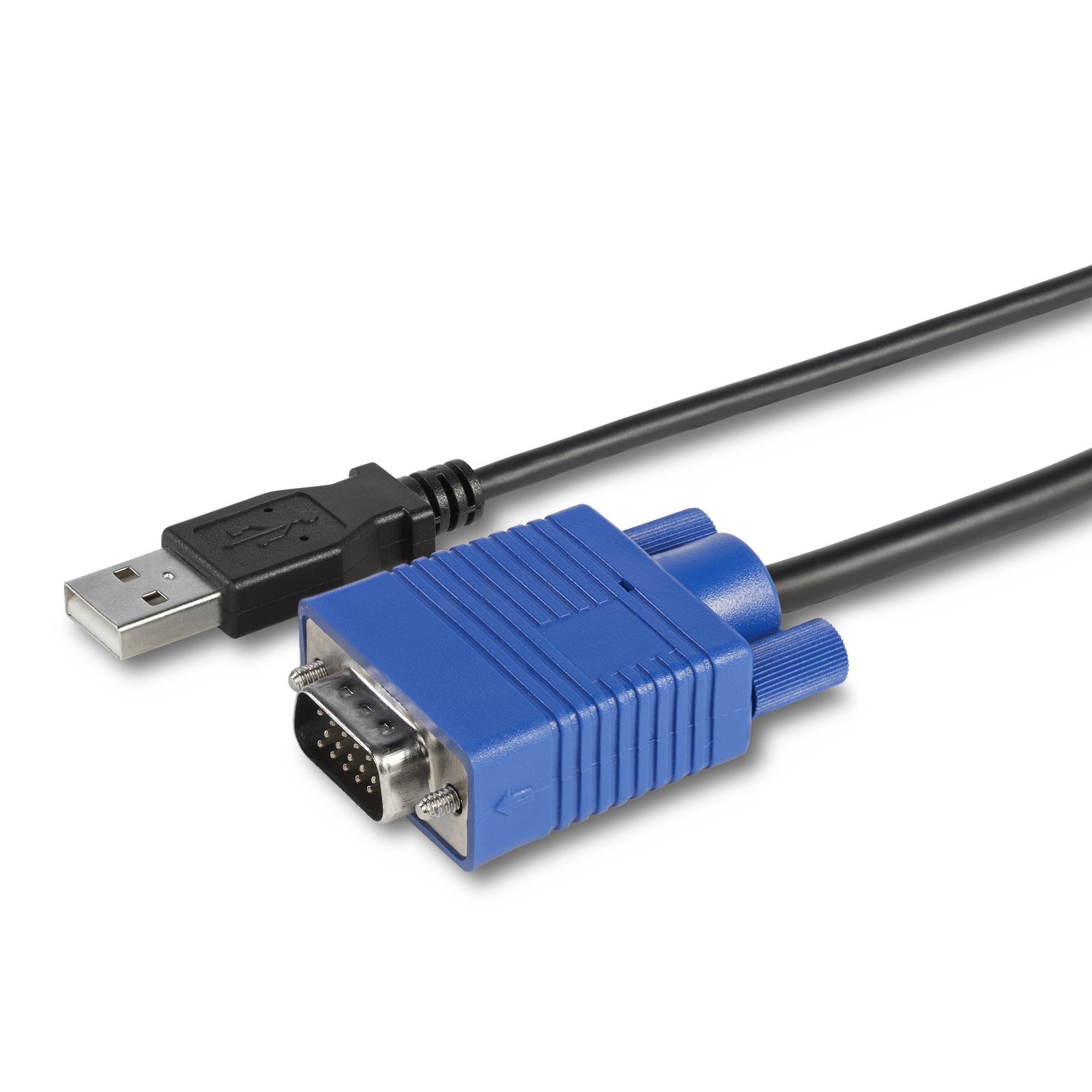
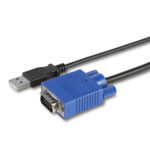
- BIOS-LEVEL CONTROL: Connect the crash cart adapter to your laptop using the included USB cable, then connect the integrated USB & VGA cables to your server for instant BIOS-level control; Note: Mouse function may be limited in some BIOS/UEFI environments
| Brand | StarTech.com |
|---|---|
| MPN | NOTECONS02 |
| Subcategory | Switching Devices |
| Category detail | KVM Switches & Components |
| Product family | StarTech.com Connectivity Devices Switchi |
5 in stock
Description
Portable KVM Console | VGA Video | 1920 x 1200 60Hz | Cables Included
The USB crash cart adapter gives you control of a headless system, turning your laptop into a portable crash cart for rack servers, PCs, ATMs, kiosks, and more.
Instant System Access
Simply connect the laptop crash cart adapter to your computer using the included USB cable, then connect the integrated USB and VGA cables to your server for instant BIOS-level control. With no server-side software required, you can be up and running instantly.
*Please note that the mouse function may be limited in some BIOS/UEFI environments
Troubleshoot More Efficiently
With the flexible software interface, you can transfer files from your laptop to the server, capture videos for records or instructional purposes, take screenshots and scale the display window to full screen mode or smaller, with no scroll bars helping you to troubleshoot faster.
Self-Powered Reliability
Powered from the server-side USB connection, the KVM adapter doesn't require an AC outlet so you can connect to any PC or device that has a VGA and USB port, even if there's no power outlet available.
Take It Anywhere
This pocket-sized adapter features a compact design that easily fits inside your laptop bag and requires no additional accessories to connect, eliminating the need to lug around a large, awkward traditional crash cart to troubleshoot and service your systems.
StarTech.com offers a wide selection of high-quality KVM-related products to help you access your systems more efficiently without the expense and clutter of extra keyboards, mice and monitors.
Key features
- LAPTOP TO SERVER: USB crash cart adapter connects your laptop to a headless system, turning your laptop into a portable console for rack servers in your server room, PCs, ATMs, kiosks, etc
- EFFICIENT TROUBLESHOOTING: Easily transfer files, capture screenshots, and log activity using the crash cart adapter software; For optimal performance, install the latest drivers making sure to download the drivers specifically for the NOTECONS02
- SELF-POWERED: The KVM adapter is powered by the server-side USB connection, reducing strain on the laptop's battery and eliminating the need for an AC outlet, allowing you to connect to any PC or device with a VGA output port and USB connection
- COMPACT DESIGN: This TAA Compliant pocket-sized data center crash cart adapter requires no additional accessories, eliminating the need to carry around a traditional crash cart/trolley when troubleshooting and servicing your systems
- BIOS-LEVEL CONTROL: Connect the crash cart adapter to your laptop using the included USB cable, then connect the integrated USB & VGA cables to your server for instant BIOS-level control; Note: Mouse function may be limited in some BIOS/UEFI environments
- Black
- Number of computers controlled: 1
- Keyboard port type: USB Mouse port type: USB Video port type: VGA
- Full HD 1920 x 1200 pixels
- Housing material: Plastic
- USB
Specifications
| Ports & interfaces | |
|---|---|
| Number of computers controlled | 1 |
| Keyboard port type | USB |
| Mouse port type | USB |
| Video port type | VGA |
| Console USB ports quantity | 1 |
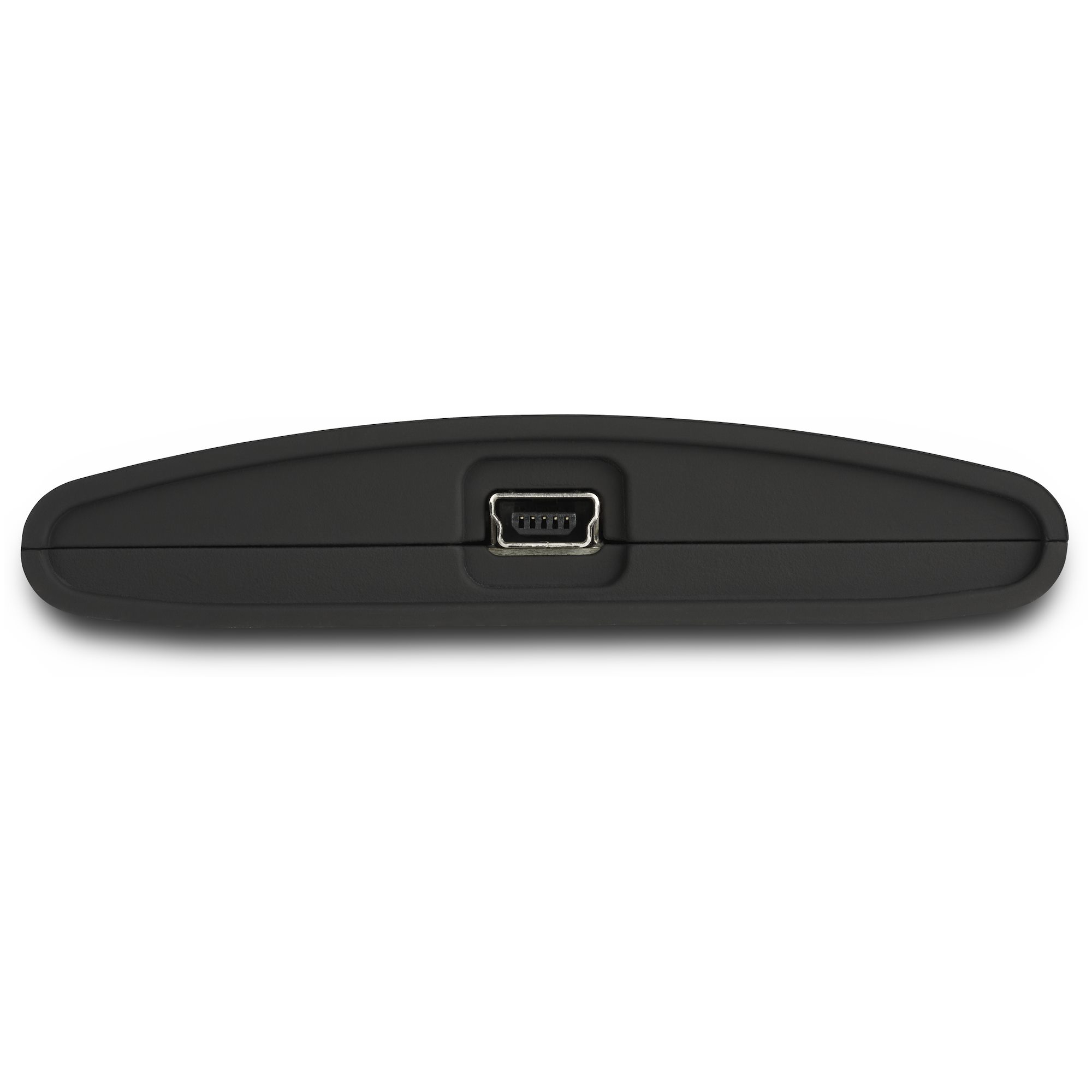
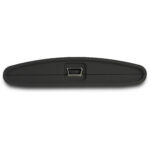
| USB connector type | Mini-USB B |
| Audio connections | No |
| Performance | |
| HD type | Full HD |
| Maximum resolution | 1920 x 1200 pixels |
| Video bandwidth | 60 Hz |
| Plug and Play | Yes |
| Daisy chain | No |
| Number of users | 1 user(s) |
| Design | |
| Rack mounting | No |
| Product colour | Black |
| Housing material | Plastic |
| Cable length | 0.416 m |
| LED indicators | Yes |
| Mean time between failures (MTBF) | 909000 h |
| Certification | CE, FCC, TAA, UL |
| Display | |
| Built-in display | No |
| On Screen Display (OSD) | No |
| Power | |
| Power source | USB |
| System requirements | |
| Windows operating systems supported | Windows 10, Windows 10 Education, Windows 10 Education x64, Windows 10 Enterprise, Windows 10 Enterprise x64, Windows 10 Home, Windows 10 Home x64, Windows 10 IOT Core, Windows 10 Pro, Windows 10 Pro x64, Windows 10 x64, Windows 11, Windows 11 x64, Windows 7, Windows 7 Enterprise, Windows 7 Enterprise x64, Windows 7 Home Basic, Windows 7 Home Basic x64, Windows 7 Home Premium, Windows 7 Home Premium x64, Windows 7 Professional, Windows 7 Professional x64, Windows 7 Starter, Windows 7 Starter x64, Windows 7 Ultimate, Windows 7 Ultimate x64, Windows 7 x64, Windows 8, Windows 8 Enterprise, Windows 8 Enterprise x64, Windows 8 Pro x64, Windows 8 x64, Windows 8.1, Windows 8.1 Enterprise, Windows 8.1 Enterprise x64, Windows 8.1 Pro, Windows 8.1 Pro x64, Windows 8.1 x64, Windows Vista, Windows Vista Business, Windows Vista Business x64, Windows Vista Enterprise, Windows Vista Enterprise x64, Windows Vista Home Basic, Windows Vista Home Premium, Windows Vista Home Premium x64, Windows Vista Ultimate, Windows Vista Ultimate x64, Windows Vista x64, Windows XP Home, Windows XP Home x64, Windows XP Professional, Windows XP Professional x64 |
| Linux operating systems supported | Yes |
| Mac operating systems supported | Mac OS X 10.10 Yosemite, Mac OS X 10.11 El Capitan, Mac OS X 10.12 Sierra, Mac OS X 10.13 High Sierra, Mac OS X 10.14 Mojave, Mac OS X 10.15 Catalina, Mac OS X 10.9 Mavericks, Mac OS X 11.0 Big Sur, Mac OS X 13.0 Ventura |
| Server operating systems supported | Windows Server 2008 R2, Windows Server 2012, Windows Server 2012 R2, Windows Server 2016, Windows Server 2019 |
| Sustainability | |
| Compliance certificates | RoHS |
| Operational conditions | |
| Operating temperature (T-T) | 0 – 40 °C |
| Storage temperature (T-T) | -40 – 70 °C |
| Operating relative humidity (H-H) | 0 – 80% |
| Weight & dimensions | |
| Width | 74 mm |
| Depth | 115 mm |
| Height | 15 mm |
| Weight | 170 g |
| Packaging data | |
| Package width | 165 mm |
| Package depth | 301 mm |
| Package height | 55 mm |
| Package weight | 363 g |
| Packaging content | |
| Cables included | USB |
| Software included | Yes |
| Other features | |
| Compatible operating systems | Windows 8 (32/64bit), 7 (32/64), Vista(32/64), XP(32/64) Windows Server 2012, 2008 R2 Mac OS 10.x (Tested up to 10.9) Linux 2.6.x – 3.5.x (32/64bit) |
Additional product details
StarTech.com USB Crash Cart Adapter with File Transfer & Video Capture at 1920 x1200 60Hz, TAA – KVM adapter accesses any VGA and USB system – Instant BIOS-level control – Video capture at 1920 x 1200 60Hz – Share troubleshooting info with file transfer – Eliminates need for traditional crash carts – Crash cart adapter has compact size
Reviews (0)
You must be logged in to post a review.
Shipping & Delivery
Related products

StarTech.com 2-Port DisplayPort Dual-Monitor KVM Switch – 4K 60Hz – TAA
SKU:
3587844
$752.85 inc. gst
New
Reviews
There are no reviews yet.